1. Set item and currency coordinates
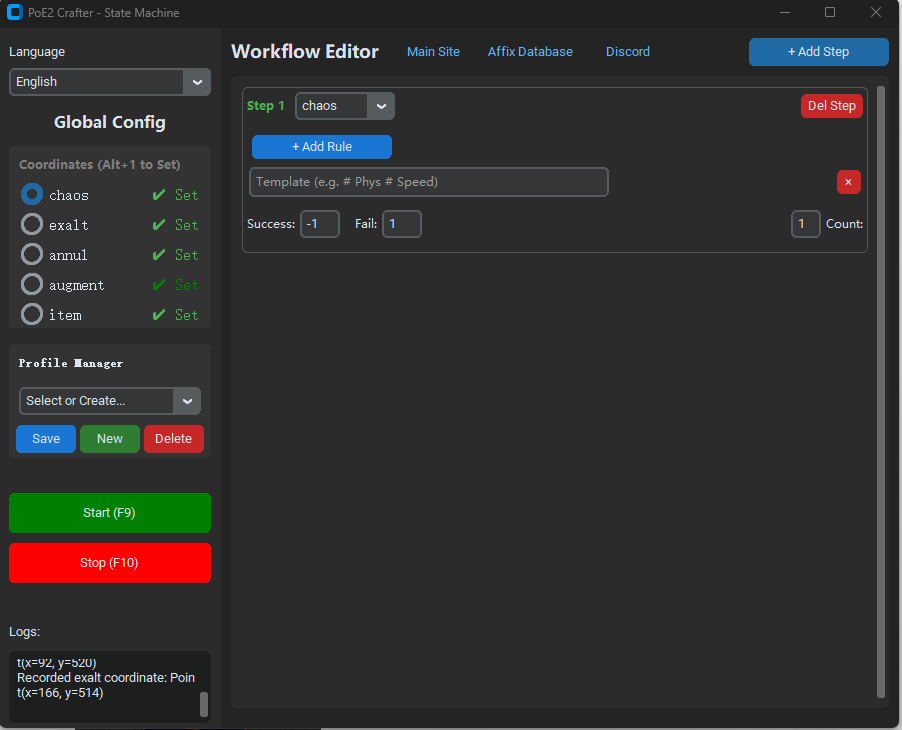
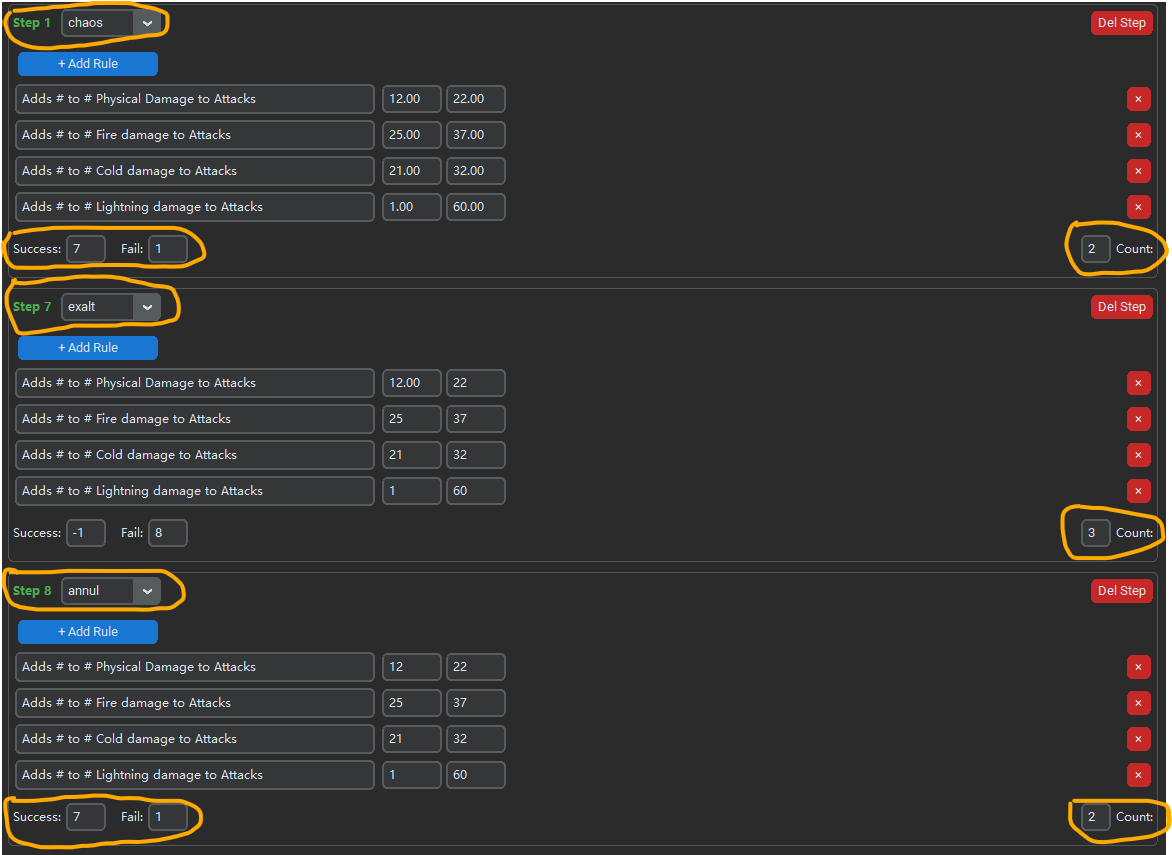
Select an item or currency in the app, move the in-game cursor onto it, then press Alt + 1. If the game window stays in the same position, you do not need to set the coordinates again.
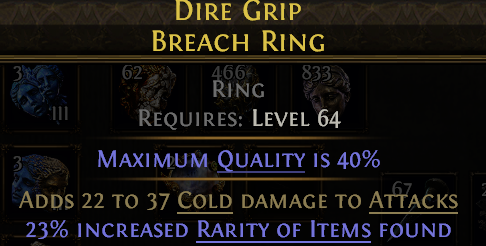
Set the item coordinate
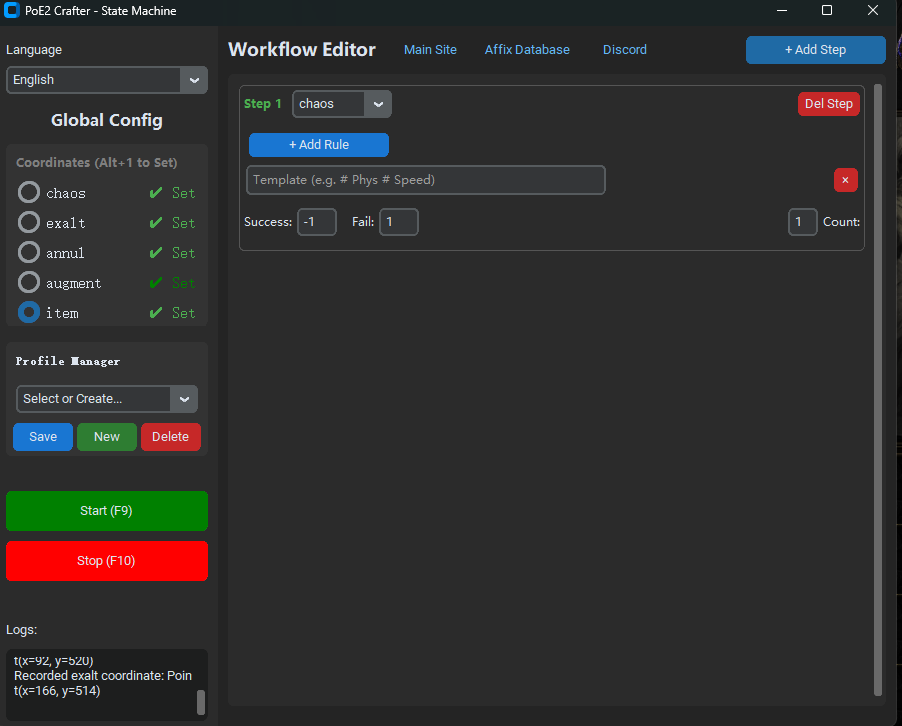
Select item in Global Config. Put the crafting base in the Currency tab, hover it in game, and press Alt + 1.
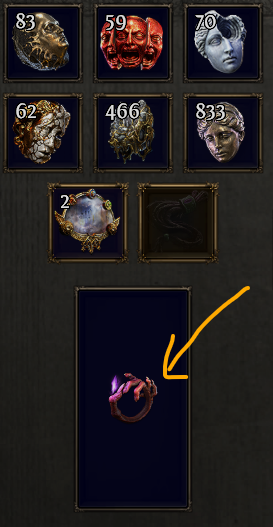
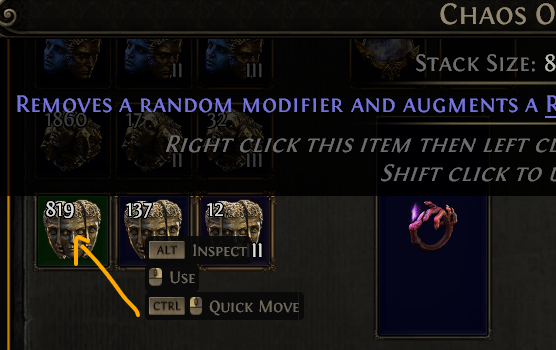
Set a currency coordinate
Select the currency, such as chaos, then hover that currency in game and press Alt + 1.